

Made with this tool · AI
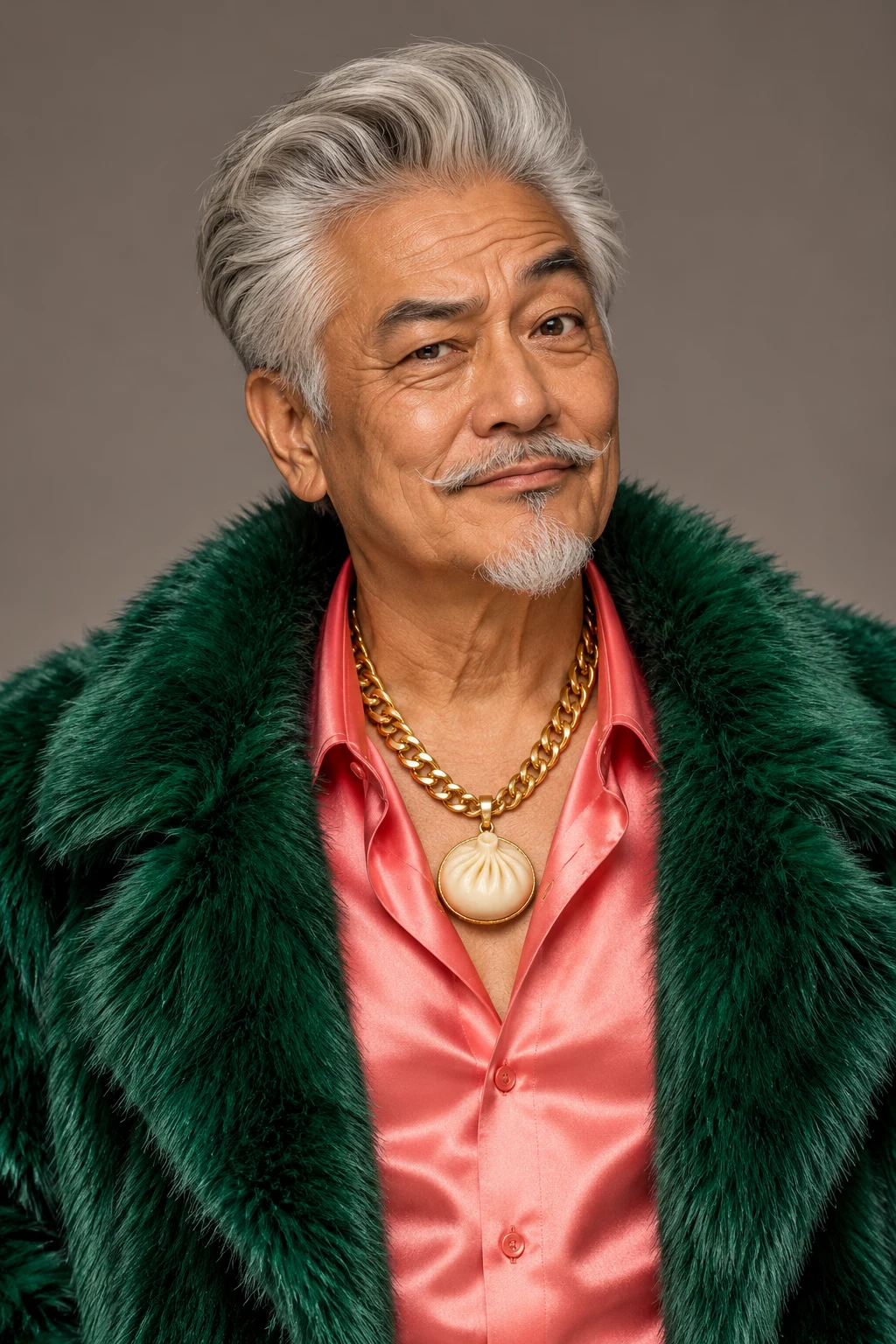
MC Uncle Bao
One photo → this result
Upload a photo and put yourself on the mic. Go solo or bring a friend, then surprise the group chat with your rap video.
YOUR TAKE
One clear photo. Put yourself in the night-crowd close-up.
JPG, PNG or WebP · up to 5 MB · one adult per photo
Trend reference @iamrodz_1 ↗
A good selfie does the work.
Face the camera, keep your face clear and include your shoulders. Pick the friend who would least expect to end up on the mic.
THE MIC CHECK, IN MOTION
Explore the trend, compare the takes, then cast yourself.
One photo → this result
Swipe for more takes
HOW IT WORKS
Add one clear portrait for the rapper. Want company? Add a separate photo for the friend at your shoulder.
Choose 480p for 10 credits or 720p for 20, then make your video. Solo and two-photo videos cost the same.
Watch your short vertical clip with sound, download the MP4, and drop it in the group chat.